Creating a home office that balances coziness with functionality is essential for anyone working from home. A well-designed workspace can boost productivity, reduce stress, and make your workday more enjoyable. Whether you have a dedicated room or a small corner, this guide will help you turn it into an inviting and efficient office.
1. Choose the Right Location
Selecting the best spot for your home office is the foundation of a productive workspace. Here are some points to consider:
– Natural light: Aim for a space near a window to take advantage of daylight. Natural light helps reduce eye strain and uplifts your mood.
– Quiet environment: Pick a place away from high-traffic areas to minimize distractions and noise.
– Adequate space: Make sure there’s enough room for your desk, chair, and storage without feeling cramped.
2. Invest in Comfortable Seating
A good chair is crucial since you’ll spend long hours sitting. Prioritize comfort and ergonomics:
– Adjustable height: Allows you to align your chair properly with your desk.
– Lumbar support: Supports the lower back to prevent discomfort.
– Breathable material: Look for mesh or fabric to keep you cool.
If your budget allows, consider an ergonomic chair designed specifically for office use.
3. Optimize Desk Setup
Your desk should suit your work style and equipment needs:
– Size and shape: Pick a desk that fits the available space and accommodates your computer, monitor(s), and other essentials.
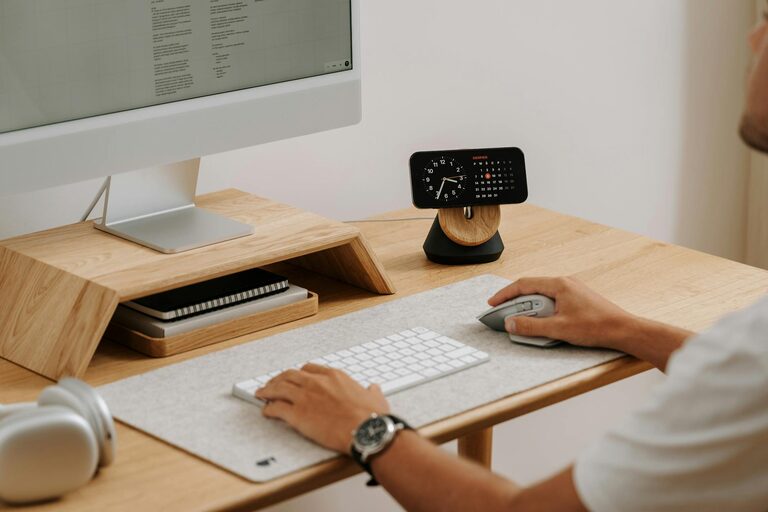
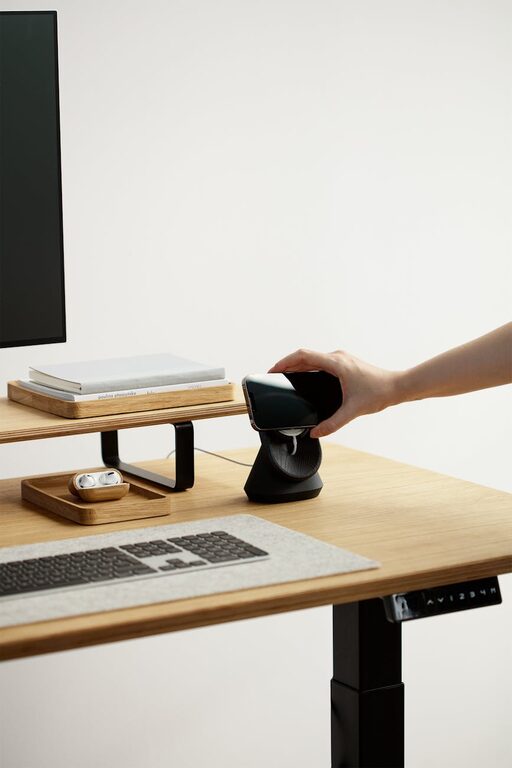
– Surface organization: Keep the desktop tidy with cable organizers and document trays.
– Standing option: Consider a sit-stand desk or a desk converter to vary your posture.
4. Maximize Storage and Organization
A clutter-free space helps maintain focus. Use these ideas to keep things organized:
– Shelving: Wall shelves or bookcases can store books, files, and decor without taking up floor space.
– Drawer units: Use rolling or built-in drawers for office supplies and papers.
– Labeling: Label boxes and folders to find items quickly.
– Desk organizers: Use trays, holders, and small containers for pens, sticky notes, and accessories.
5. Personalize Your Workspace
Adding personal touches makes your office feel warm and inviting:
– Plants: Indoor plants improve air quality and add a pop of color.
– Artwork: Hang prints or photos that inspire you.
– Decor: Use cushions, rugs, or lamps to create a cozy atmosphere.
– Colors: Choose calming colors like soft blues, greens, or neutrals to promote concentration.
6. Lighting Matters
Proper lighting reduces eye strain and creates a pleasant ambiance:
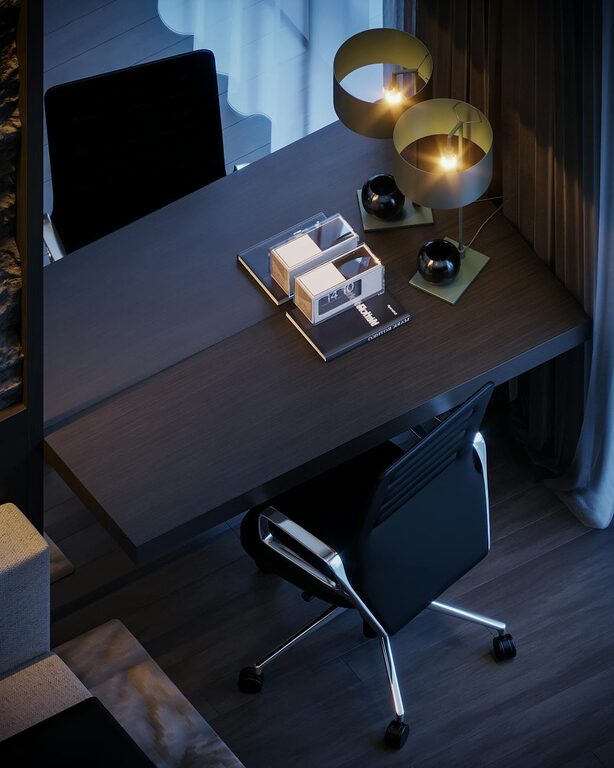
– Layered lighting: Combine ambient lighting with task lights like desk lamps.
– Brightness: Choose bulbs with adjustable brightness to suit different times of day.
– Position: Place lamps on the side opposite your dominant hand to avoid casting shadows on your work.
7. Technology and Connectivity
Ensure your office setup supports your daily tasks:
– Reliable internet: A strong Wi-Fi connection or wired ethernet is essential for video calls and online work.
– Cable management: Use clips and sleeves to keep cables neat and prevent tangling.
– Backup power: Consider a surge protector or uninterruptible power supply (UPS) to protect your devices.
8. Promote Good Habits
Your environment can support healthy work routines:
– Take breaks: Set reminders to stand, stretch, and rest your eyes regularly.
– Define work hours: Clearly separate worktime from personal time to maintain balance.
– Keep comfort items: Have a water bottle, healthy snacks, and a blanket handy for comfort.
Conclusion
Designing a cozy and functional home office is about combining comfort, organization, and personal style. By choosing the right location, investing in proper furniture, and keeping your space organized, you create a room that supports your productivity and well-being. Remember: a workspace tailored to your needs will make working from home a more pleasant and effective experience.